
Latest News Update
Retro Game News
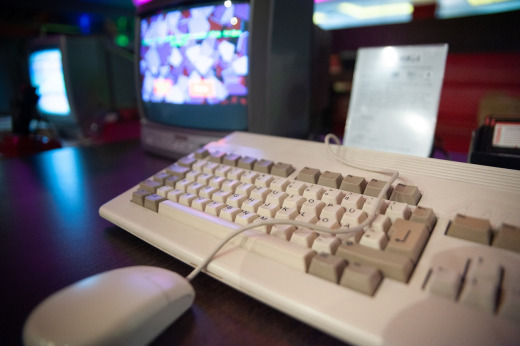
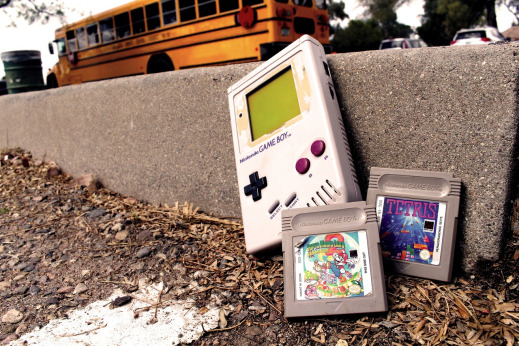
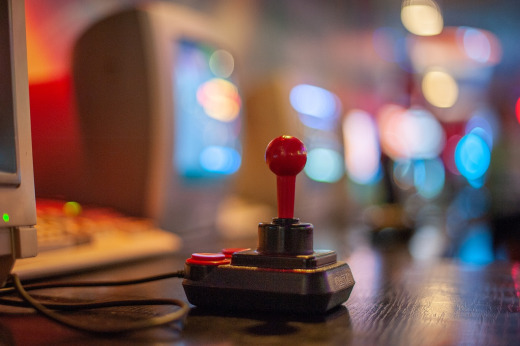
Steam Deck News
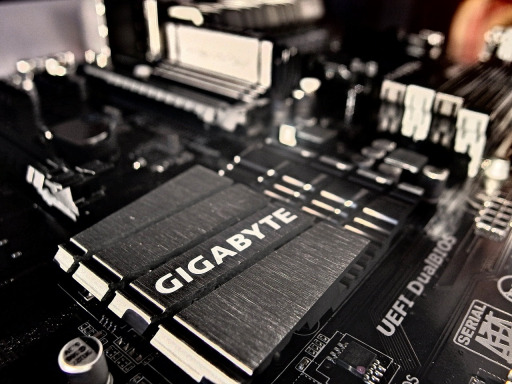
Latest Steam Deck componets for upgrades!
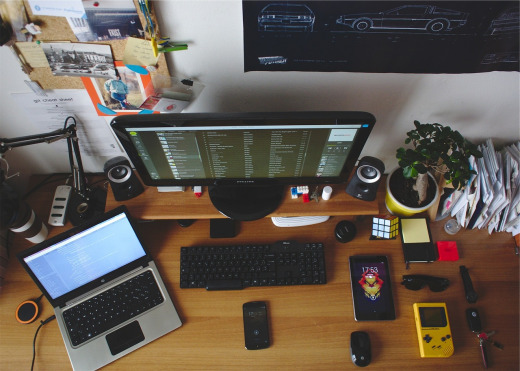
Setups that will enchance your gaming experience
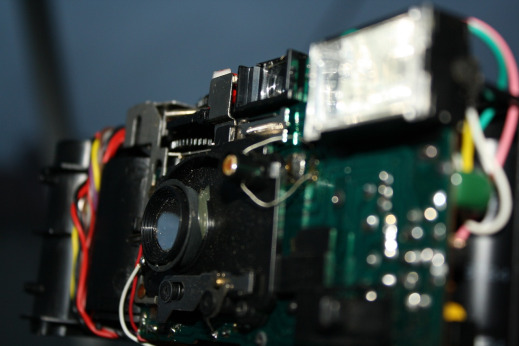
Community hombrew and hacks with upcoming programming jams
Full Article Feed
Switch 2's New Update Just Gave Us "Handheld Mode Boost" – And It's a Game Changer
So I booted up my Switch 2 this morning, saw there was a system update waiting, and almost just clicked "Later" like I usually do. But man, am I glad I didn't.
Nintendo just dropped firmware version 22.0.0, and buried in the patch notes is this little gem called **"Handheld Mode Boost."** And after spending the afternoon testing it out? Yeah, this is the kind of update that makes you fall in love with your console all over again.
What Actually Is Handheld Mode Boost?
Okay, so here's the deal in plain English. Normally when you're playing original Switch games on your Switch 2 in handheld mode, they run in... well, handheld mode. Lower resolution, sometimes a little fuzzy, you know the drill.
This new setting changes that. When you flip it on, compatible Switch games run **as if they were in TV Mode** – even though you're holding the console in your hands. That means higher clock speeds, better resolutions, the whole nine yards. It's like your little handheld suddenly turned into a home console that just happens to fit in your backpack.
The Games That Sold Me
I tested this on three games that I've put way too many hours into, and the difference is legit.
**Madden 26** was my first test. Look, I've been playing Madden on this thing since it dropped last year, and it's always been... fine. Functional. But with Boost turned on? We're talking noticeably smoother FPS and a real visual upgrade. The field textures pop more, the players look sharper, and the whole thing just feels more like the "proper" console experience.
Then I fired up **Super Smash Bros. Ultimate**. This is the one that really got me. You know how Smash can look a little pixelated around the edges in handheld? Especially on stages with busy backgrounds? With Boost enabled, it's way cleaner. Less pixelated, much sharper image. It's still Smash, obviously, but it's Smash with a fresh coat of high-definition paint.
And finally, **Metroid Prime Remastered**. This game already looked fantastic, but there was always a slight blurriness in handheld mode that kinda bugged me. Boost mode cleans that right up. It's crisp, it's clear, it's how Retro Studios probably always wanted it to look on the go.
Here's How To Turn It ON and OFF
The best part? You're in complete control. Nintendo didn't just force this on everybody – you can toggle it whenever you want.
1. Head to **System Settings** from your HOME Menu.
2. Scroll down and select **System**.
3. Look for **Nintendo Switch Software Handling**.
4. Select **Handheld Mode Boost** and flip it on or off.
Fair warning: Nintendo does mention this might increase power consumption. So if you're on a long flight and battery life is priority one, maybe keep it off. But if you're chilling at home or have a charger nearby? Flip that switch and enjoy the glow-up.
Also worth noting: this mode forces TV mode operation, so some Switch games might act a little funny. Touchscreen controls won't work when it's enabled, and your attached Joy-Con 2 controllers will be treated like a Pro Controller. Small trade-off for way better visuals if you ask me.
Final Thoughts
Look, I've been saying for a while that the Switch 2 needed more reasons to feel like a true upgrade. This update doesn't cost anything, takes two seconds to enable, and immediately makes your backlog of Switch games look and run better. That's the kind of W I can get behind.
If you haven't downloaded version 22.0.0 yet, do it. Turn on Boost. Go replay something you thought you already knew. Trust me – it's worth it.